
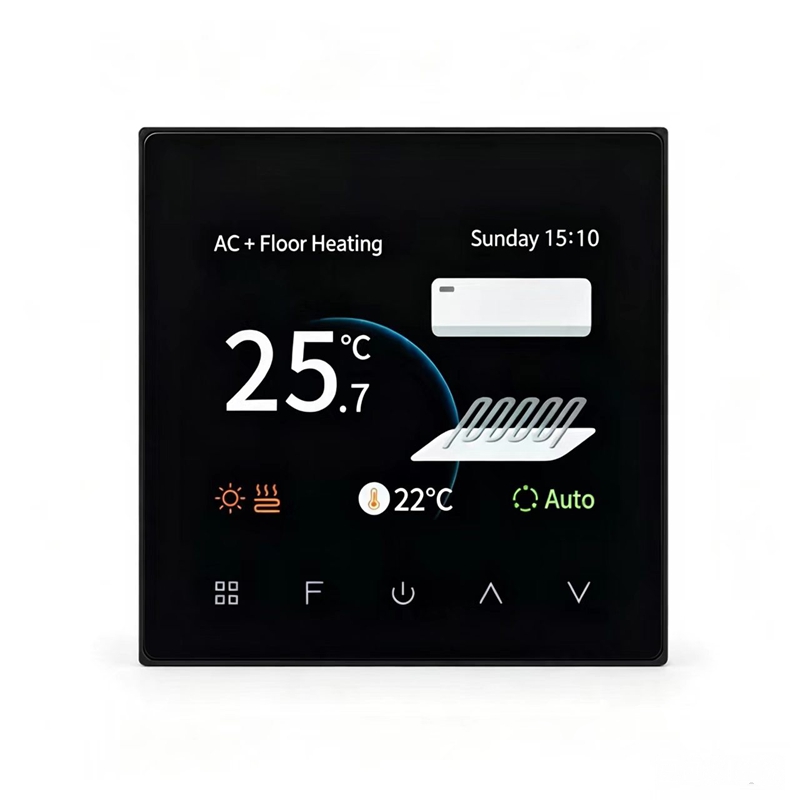
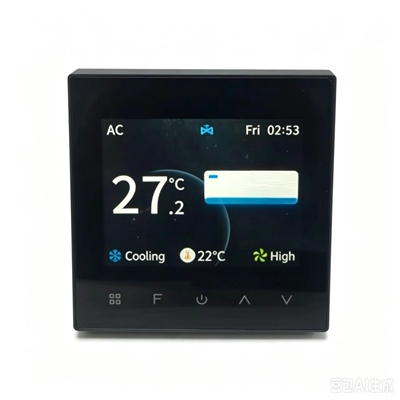
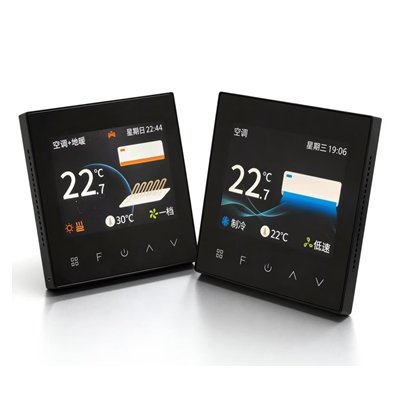
T603 Modbus Thermostat for 2/4-Pipe Fan Coil Retrofit
Key Specifications
| Parameter | Specification |
|---|---|
| Model | T603 |
| Product Type | Standalone Fan Coil Thermostat |
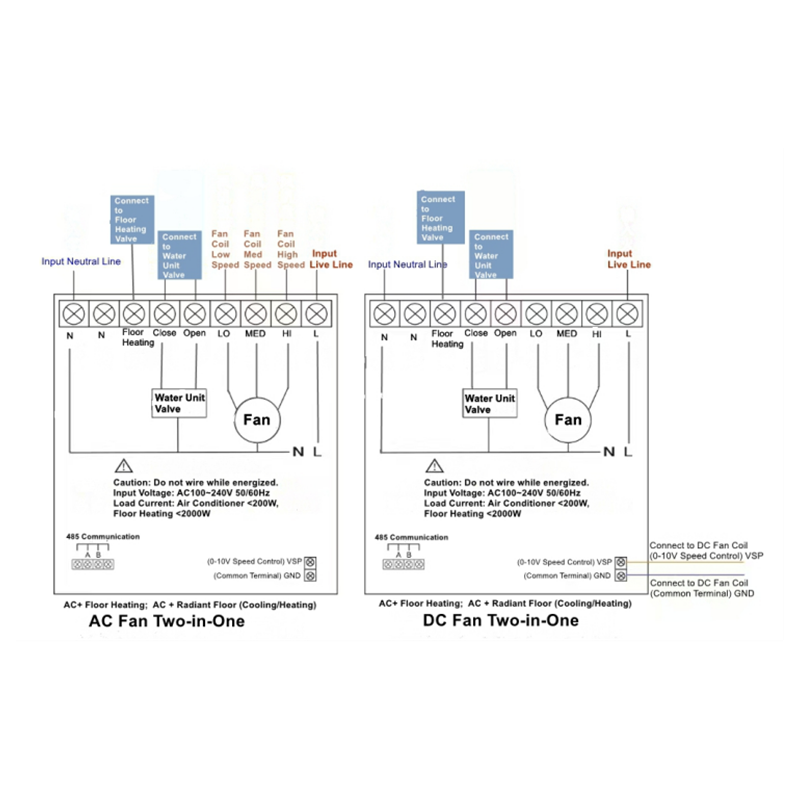
| Fan Type Support | AC fan (3-speed) or DC fan (7-speed) |
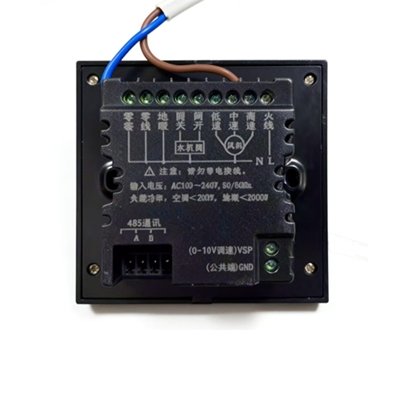
| Communication | Modbus RTU via RS485 (A/B terminals) – passive monitoring only |
| System Compatibility | 2-pipe / 4-pipe fan coil units, fresh air, floor heating |
Ready to upgrade your HVAC control? Send us your project details (system type, quantity, destination country) now. We will reply within 24 hours with a quote and wiring guide.
Why Choose T603 Modbus Thermostat
Smart & Energy-Saving: Microcomputer chip with high-precision sensor automatically adjusts fan coil and valve.
2/4-Pipe Versatility: Works with 2-pipe and 4-pipe fan coil units. Supports AC/DC fan two-in-one configurations.
AC & DC Versions Available: AC100~240V version and DC24V version, for different power environments. Please confirm before ordering.
Standalone & Retrofit-Ready: Standard 86mm box for direct replacement. No central control required.
Modbus RTU Interface (RS485 A/B): Passive data monitoring only (no master control).
3.5″ Touchscreen: Clear TFT color display for easy operation.
Additional Information& Compatibility Notes
Our T603 Modbus Thermostat features an RS485 interface (A/B terminals) designed for basic Modbus RTU passive data monitoring. It is standlone thermostat and does not function as a full Modbus master or slave device. For more details on how Modbus RTU works, please read our guide:Modbus RTU HVAC Basics.
To properly integrate the T603 into your system, you will need the official Modbus Register Map (Protocol Document). Please contact us to request the latest register list and wiring guide for your project.
Fan Compatibility Note: The T603 supports both AC fan (3-speed) and DC fan (7-speed) control via the Advanced Mode menu. However, fresh air and VRF systems require AC fan mode only. Please confirm your system type and fan motor before ordering. Send us your wiring diagram if you are not sure.
Important Note on Modbus Functionality:
The T603 is a standalone thermostat. Its RS485 (A/B) terminals are designed for basic Modbus RTU passive data monitoring. It works as a passive monitoring Modbus slave only. It supports data reading by a matching external gateway and does NOT support full two‑way remote control for general BMS. If your project requires full Modbus RTU integration and remote command from a building management system, please choose our T605 Modbus Thermostat instead.
If your project requires full Modbus RTU integration with a building management system, please choose our T605 Modbus Thermostat instead.
Application Guide
Not sure if the T603 is compatible with your fan coil system? Read our detailed guide:
T603 Fan Coil Thermostat: 2-Pipe vs 4-Pipe System Application Guide.
Ready Stock& Fast Dispatch
We work directly with factory to ensure fast dispatch. Every unit is tested and packed with a wiring guide before shipping.